
3D Printed Cable Organizer, Wire Management Holder
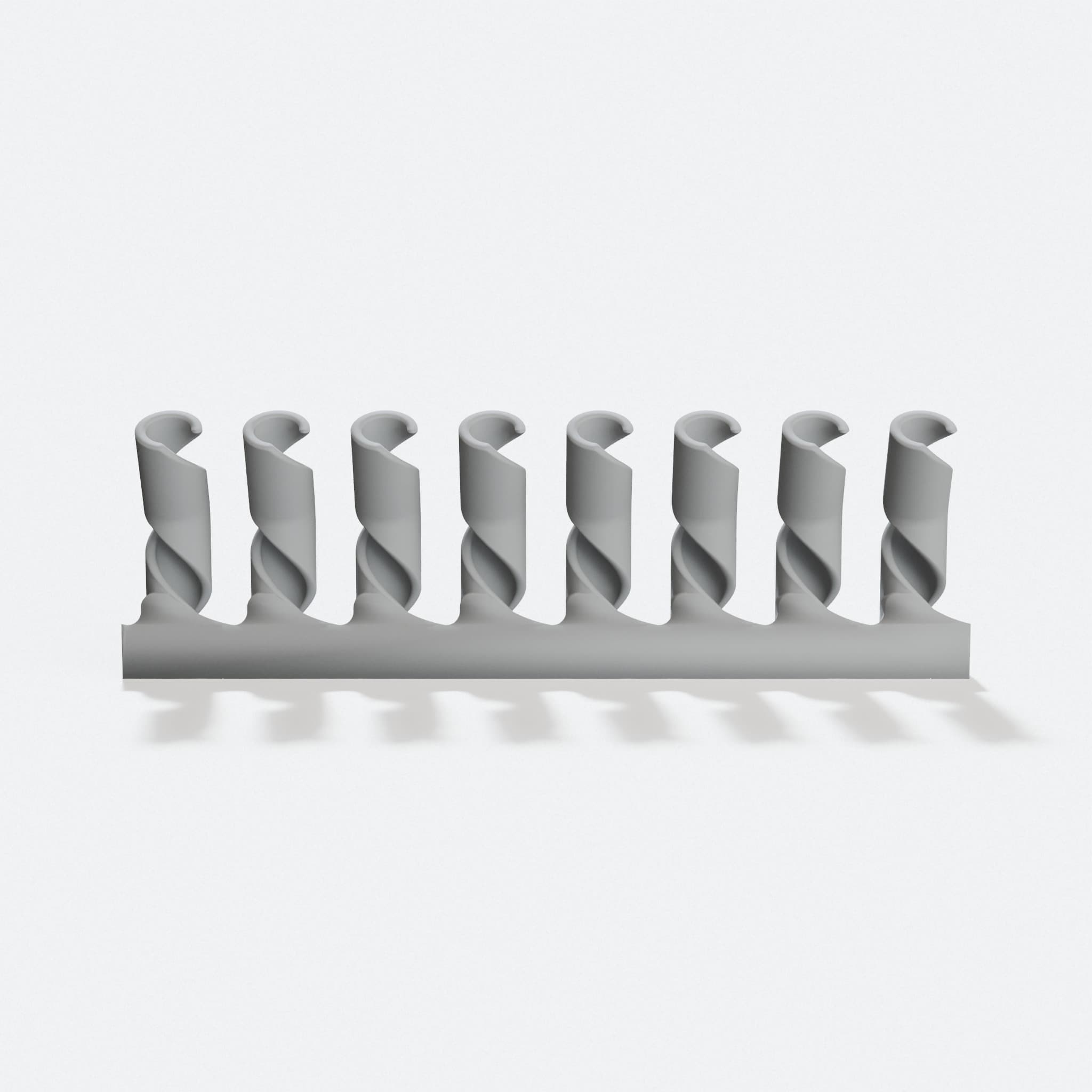
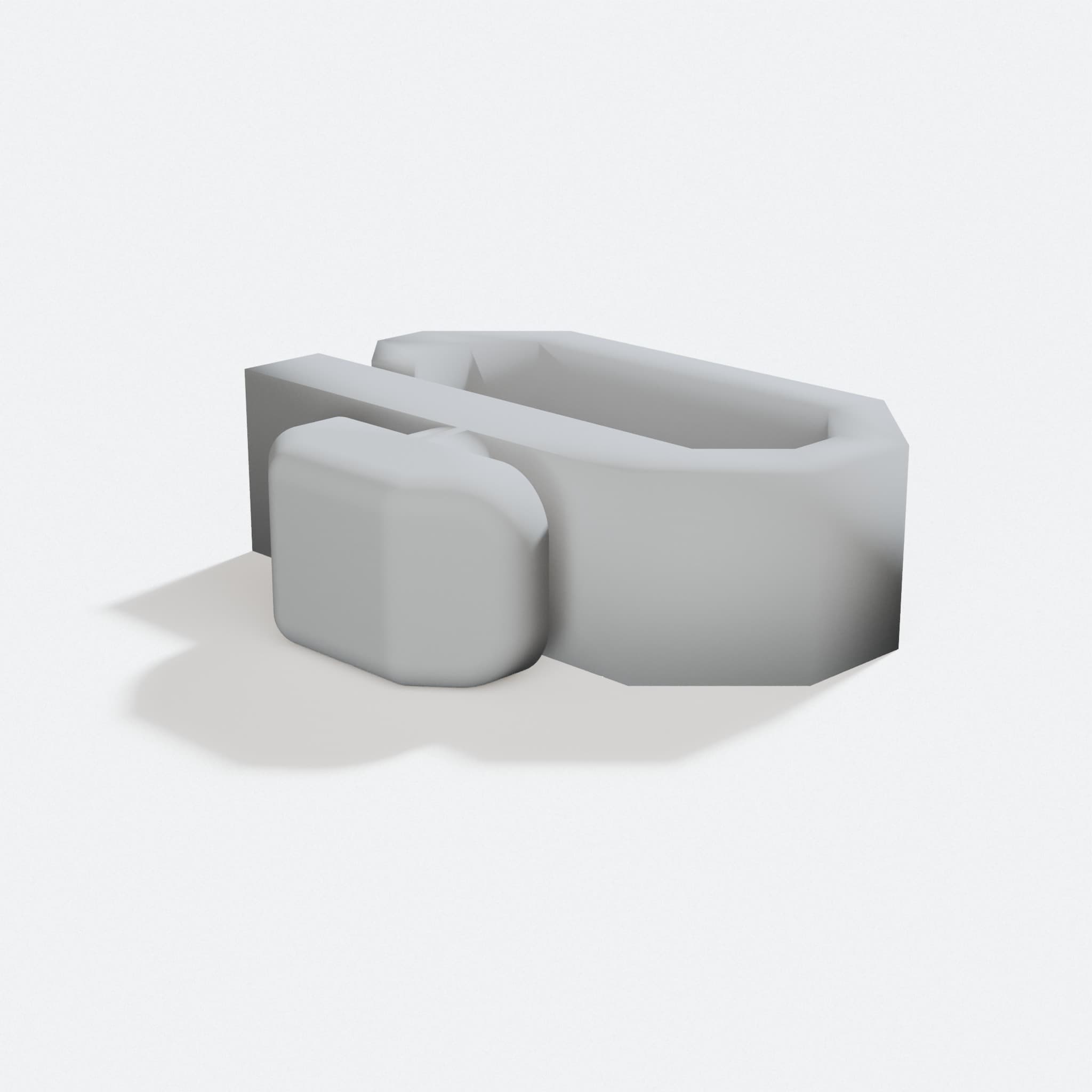
Design preview. Rendered from the file, not a photo.
This model is not currently offered as a verified ready to buy print.
What it does
- Holds up to 8 cables and USBs so your desk stays neat and tangle-free
- Modular design lets you print one holder and stack as many as you need
- Works with lightning cables, USB cords, and any standard wire you have
- Smooth 16mm connections snap together without extra tools or hardware
Your cables won't tangle or slide around anymore. This 3D-printed organizer keeps your USBs, lightning cables, and wires in one neat spot on your desk or nightstand.
The design holds up to 8 cables with smooth connections between each slot. Stack as many as you need to fit your setup.
Perfect for keeping your workspace organized. Your chargers stay where you put them, and you spend less time untangling cords and more time getting work done.
5.9k downloads in the maker community. That is interest in the design on the site it came from, not our sales.
What you get
- This design prints as one piece.
- Nothing else to print or buy for this to work.
What it is made of
Designs like this print well in PLA. Compare the materials.
Printed plastic is strong for its size, but it is not metal. We have not load tested this design, so we do not publish a weight rating. Keep it out of a hot car and away from open flame.
More like this
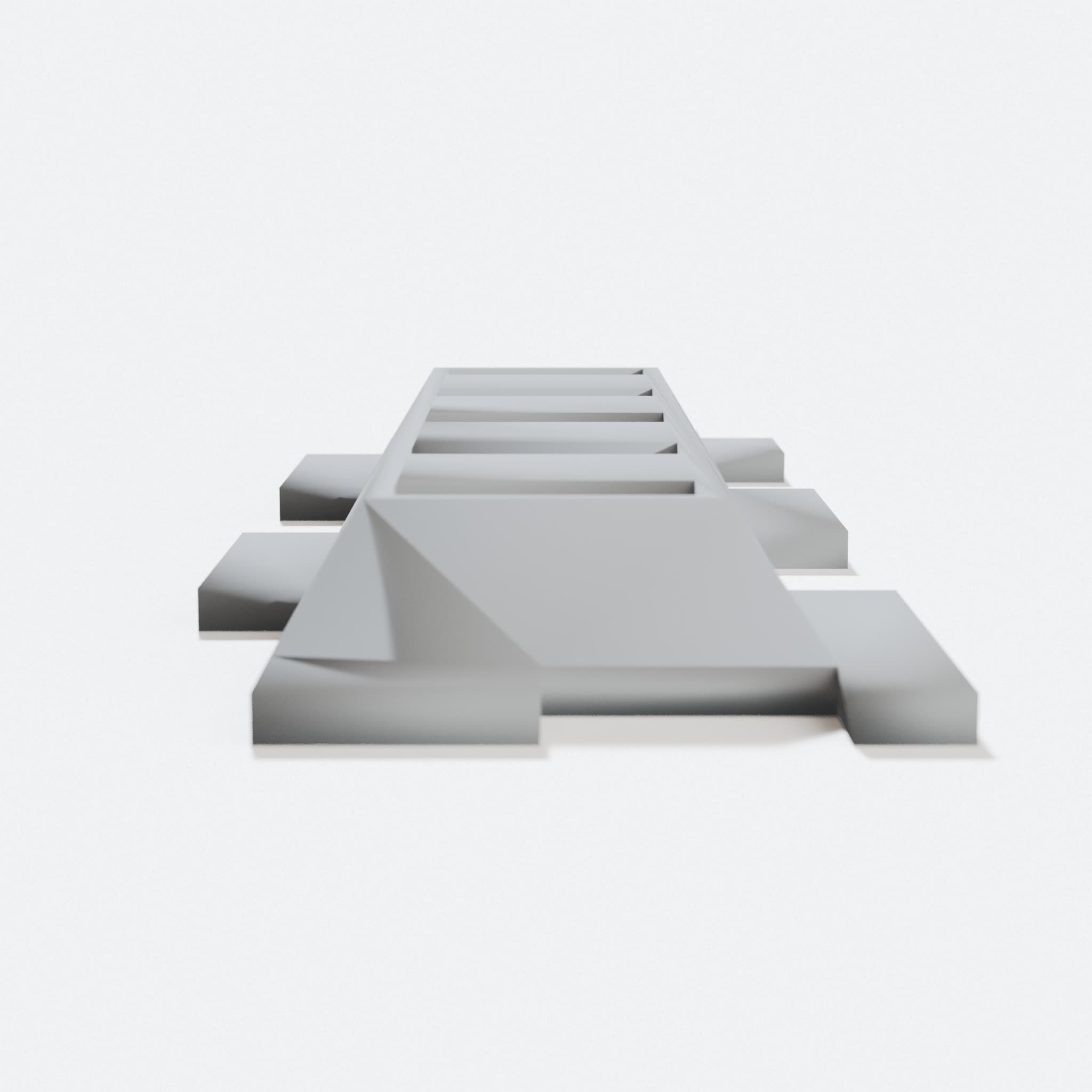
Stackable USB Cable Holder, 3D Printed Office Organizer
Design library
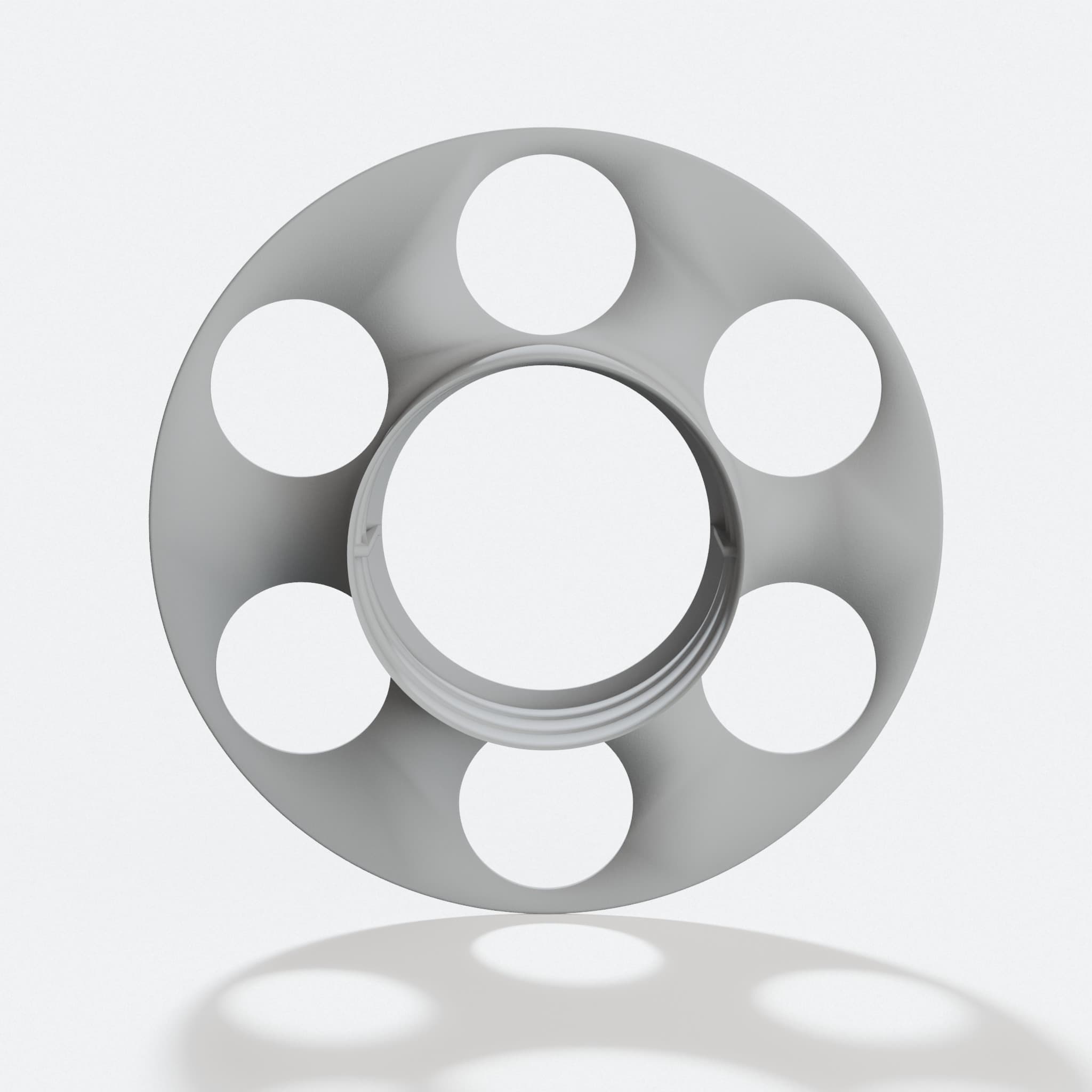
Cable Spool - 3D Printed Office Accessories for Cord Management
Design library
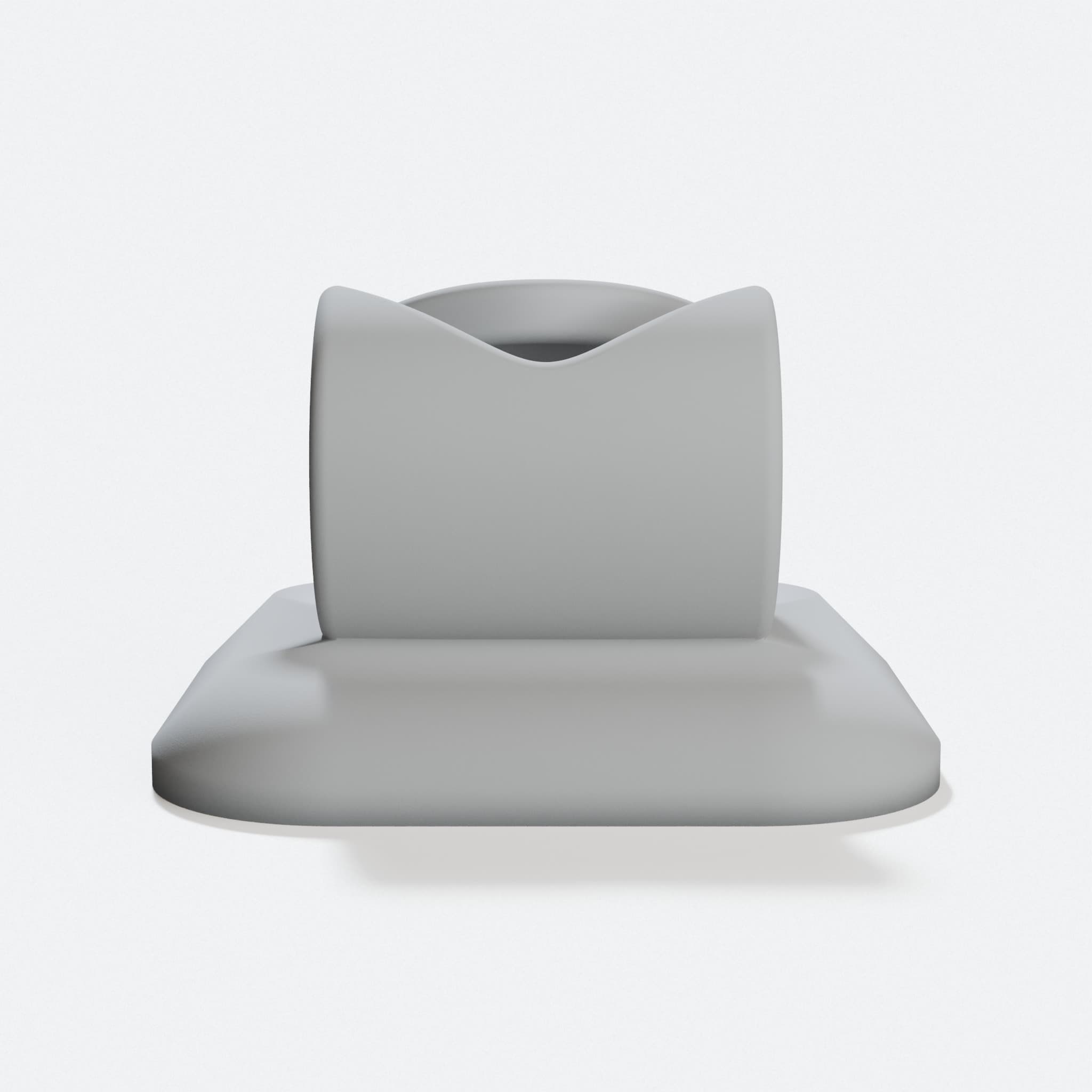
Compatible with iPhone Lightning Cable Holder for Desk
Design library
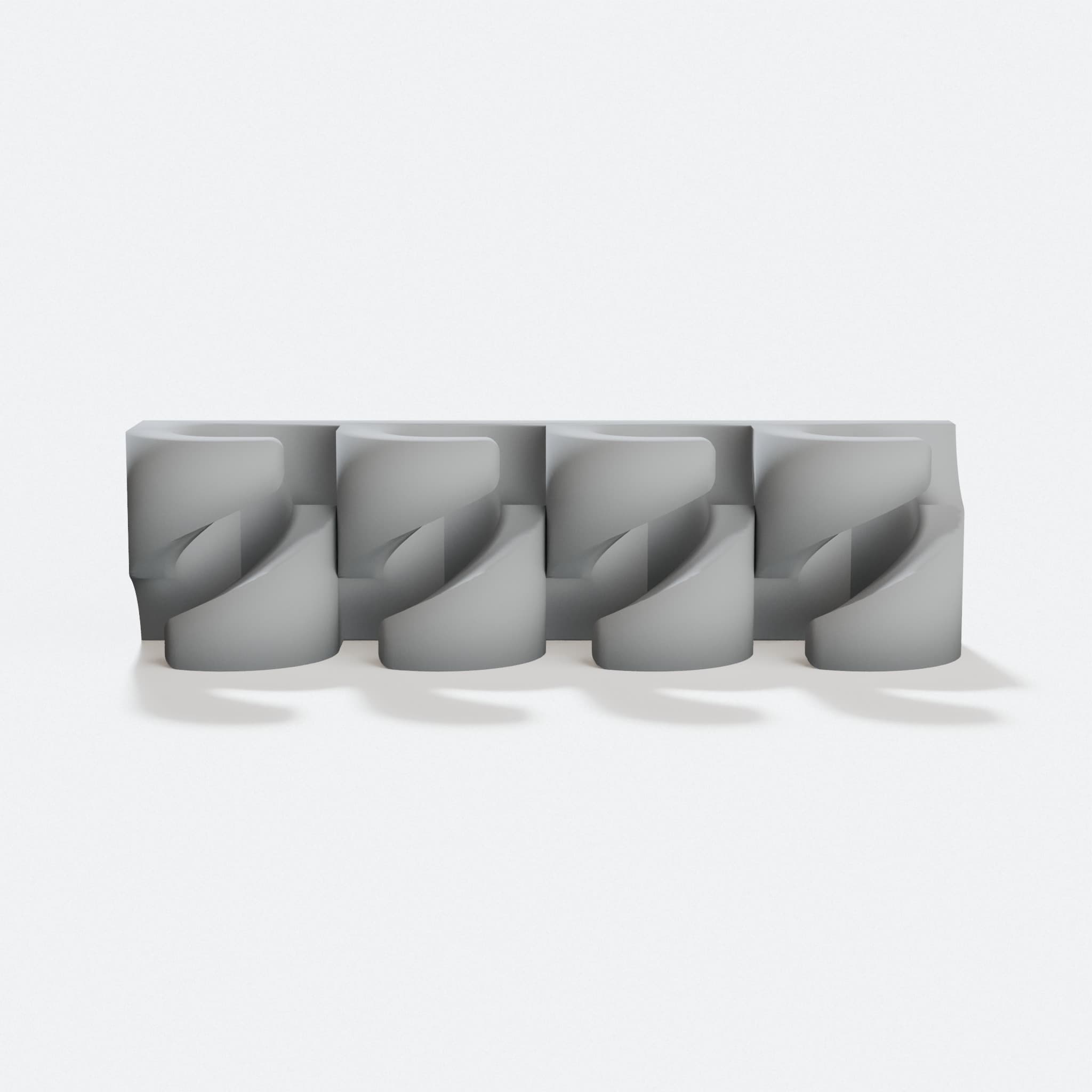
USB Cable Holder, 3D Printed Office Accessory
Design library
Cable Savers Compatible with Apple Lightning Cables
Design library
RJ45 Ethernet Cable Clip Replacement
Design library
Cable Organizer for Desk, Sleek Wire Management Clip
Design library
Twist In Cable Clamp for 2020 Aluminium Profile
Design library
Who made this design
Designed by 3DNeural. We did not draw it.
Shared under Creative Commons, credit required. See the original design